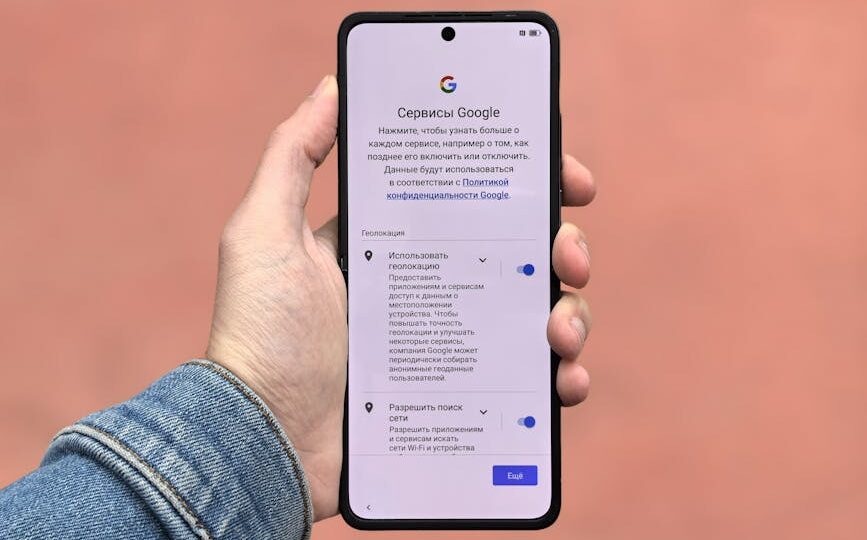
How to Customize Your Smartphone for Maximum Efficiency
Your smartphone is more than just a device; it’s your personal assistant, your entertainment hub, and sometimes even your workstation. By 2026, smartphones have become even more integral to our daily lives, with advancements in AI, improved hardware capabilities, and customizable operating systems. With a few thoughtful tweaks, you can boost your smartphone’s productivity potential to unprecedented levels.
Adjust Your Home Screen Layout
Your home screen is the gateway to your smartphone experience. A cluttered home screen can lead to distractions and inefficiencies. Start by organizing your apps into folders based on categories like Work, Social Media, Entertainment, and Health. With many smartphones now offering customizable widgets, you can add tools that display your calendar, to-do lists, or even recent emails.
Consider using gesture-based navigation to reduce the time spent scrolling through apps. For instance, set double-tap gestures to launch specific apps or actions, like opening Google Maps or launching your music player. This way, you can get to what you need with just a flick of the finger.
Utilize Third-Party Launchers
If you’re looking for deeper customization, third-party launchers are your best bet. Apps like Nova Launcher and Apex allow you to completely overhaul the look and feel of your home screen. You can change icons, alter grid sizes, and apply different themes to suit your style and workflow.
Some launchers come with gesture support, allowing you to assign specific actions to swipes and taps. This can range from opening a favorite app to toggling system settings, significantly reducing the steps needed to perform frequent tasks.
Optimize Notifications and Settings
Notifications are a constant source of interruptions. By 2026, most smartphones have advanced AI settings that allow you to prioritize which notifications are visible during work hours and which ones can wait. Use Focus Modes, an evolution of traditional Do Not Disturb modes, to further filter notifications based on location, time of day, or activity.
Dive into the settings to customize notification sounds, vibration patterns, and LED light alerts for different apps. This helps in instantly recognizing the priority of a notification without even looking at the screen.
Take Advantage of Voice Assistants
Voice assistants have evolved significantly, becoming more intuitive and integrated with third-party apps. Whether it’s Apple’s Siri, Google’s Assistant, or Amazon’s Alexa, these AI helpers can automate a vast array of tasks. From setting reminders and checking emails to controlling smart home devices, voice commands can save you valuable time.
For instance, you can create routines that trigger multiple actions with a single voice command. Saying ‘Good morning’ might adjust your smart lights, start your coffee machine, and read out the morning’s headlines, all without lifting a finger.
Leverage Cloud Services for Seamless Access
With the rise of cloud computing, your smartphone can act as a portal to all your data, accessible anywhere and anytime. Use services like Google Drive, Dropbox, and iCloud to store important documents and media files. This ensures that you’re never tethered to one device, giving you the flexibility to access files on the go or from your workstation at home.
Moreover, cloud storage helps optimize your phone’s internal storage, leaving more room for essential apps and media. Regularly back up your data and set automatic syncs to ensure your work is always up-to-date.
Conclusion
Customizing your smartphone for maximum efficiency doesn’t just enhance productivity—it transforms how you interact with technology daily. With a well-organized home screen, optimized settings, and strategic use of voice assistants and cloud services, you’re equipped to navigate the demands of modern life with ease. Remember, the key is to adapt the device to suit your habits and needs, making it a seamless extension of your lifestyle.
By implementing these strategies, you’ll find that not only is your smartphone more efficient, but you feel more in control and less overwhelmed by the digital world. Happy customizing!